If you’ve spent any time in craft business Facebook groups or scrolling Etsy seller forums, you’ve seen the debate play out a hundred times. Someone posts a photo of their first Cricut, glowing with excitement, and within minutes the comments split into two camps: “Best purchase I ever made for my shop” and “Total waste of money, I barely use mine.”
So which is it?
The honest answer is: it depends entirely on what you’re making and how you’re currently making it. Let’s break down the real math — not the marketing hype, not the horror stories — just what a Cricut actually saves you, where it doesn’t help at all, and how to know if it’s worth it for your specific business.
The Real Question Isn’t “Is It Worth It?” — It’s “Worth It For What?”
A lot of the confusion around Cricut machines comes from people asking the wrong question. “Is a Cricut worth it?” is like asking “is a sewing machine worth it?” It depends on whether you’re planning to sew.
The better question is: does your craft business involve repetitive cutting, and is that cutting currently eating your time or limiting your output?
If you’re hand-painting one-of-a-kind pieces, carving wood, or throwing pottery, a Cricut isn’t going to help you — it’s not built for that kind of work, and buying one would genuinely be a waste of money.
But if your business involves any of the following, the math starts to look very different:
- Custom vinyl decals (tumblers, car decals, laptop stickers)
- Personalized shirts or heat-transfer apparel
- Custom labels, tags, or packaging
- Paper crafts, cards, or invitations
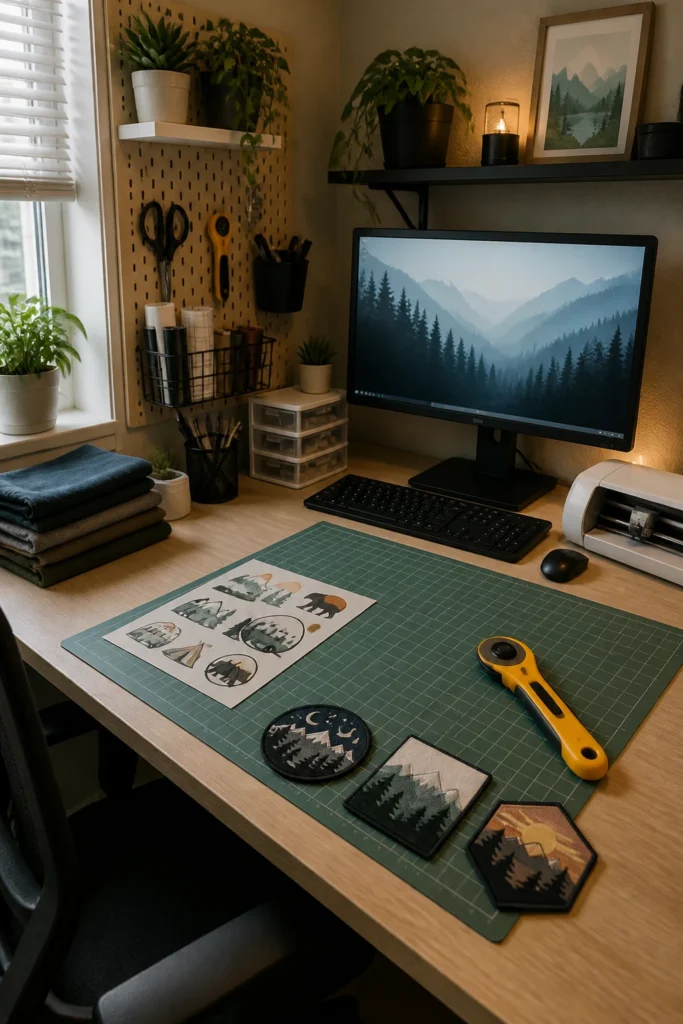
- Iron-on designs, patches, or appliqués
- Stencils for painting or engraving projects
If any of that sounds like your shop, keep reading, because the time-savings are where this decision actually gets made.
What Hand-Cutting Actually Costs You (In Time, Not Just Money)
Most new sellers underestimate how much of their “profit” is actually just unpaid labor. Let’s use a simple, common example: custom vinyl decals for tumblers.
Hand-cutting a decal with scissors and an X-Acto knife: A single detailed decal — say, a name with a small graphic — typically takes a patient crafter somewhere between 10 and 20 minutes to cut cleanly by hand, depending on complexity. That’s before weeding (removing the excess vinyl), which adds more time on intricate designs.
If you’re making 10 tumblers a week — a very modest number for a side-hustle shop — that’s roughly 2 to 3 hours a week spent purely on cutting. Scale that up to 30 or 50 orders during a holiday rush, and you’re looking at entire evenings disappearing into an X-Acto knife.
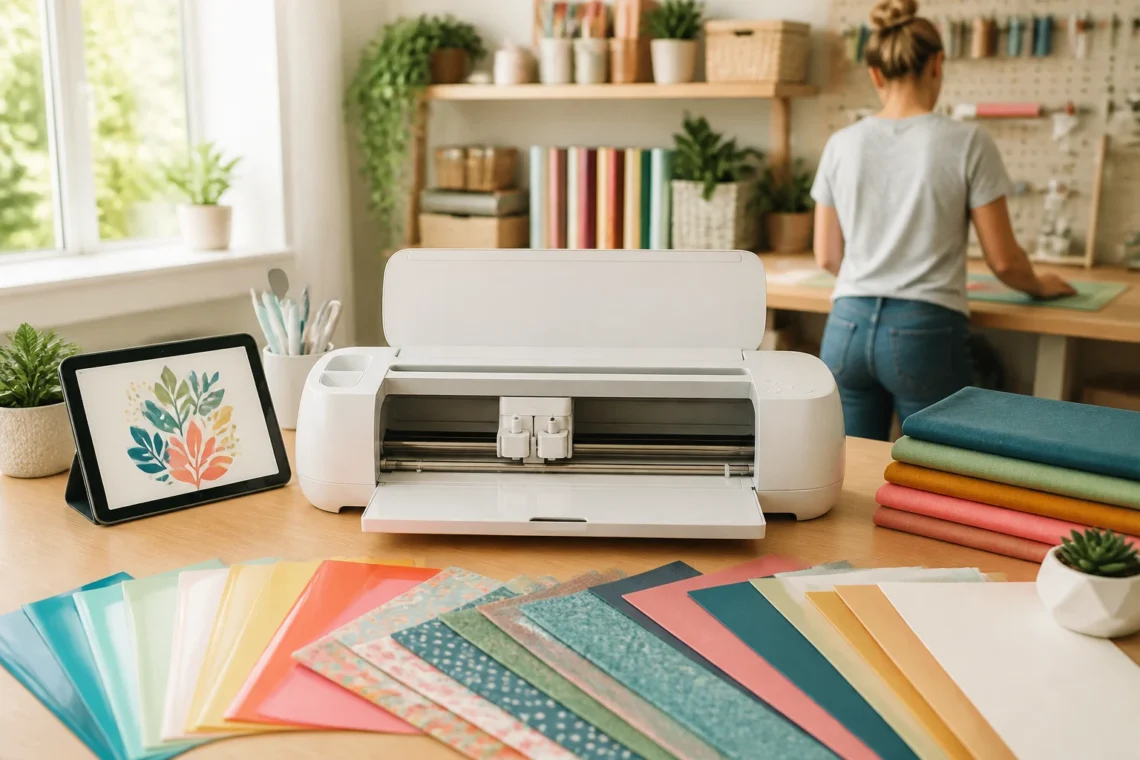
Cutting the same decal with a Cricut: Once the design is set up in Cricut Design Space (a one-time task per design), the machine cuts a decal like this in under a minute — often 20 to 40 seconds depending on size and detail. Weeding time is also typically faster because the cuts are cleaner and more consistent, so there’s less guessing about where one line ends and another begins.
That 2-3 hours a week for hand-cutting becomes roughly 15-20 minutes with a machine. The time you get back isn’t just convenience — it’s capacity. It’s the difference between capping your shop at 10 orders a week because that’s all your hands can handle, and being able to say yes to 30 orders without burning out.
Where the Time Savings Compound
The tumbler example is just one product type, but the savings compound across nearly everything in the “cutting” category:
- Shirts and apparel: Cutting heat-transfer vinyl by hand for a single shirt design (especially with multiple colors or layers) can take 15-30 minutes. A Cricut cuts the same design in a couple of minutes, and layering multiple colors is far more precise than hand-cutting registration marks.
- Custom labels and packaging: If you’re currently printing labels and hand-trimming them with scissors, a Cricut with a printable vinyl or cardstock setting can cut dozens of perfectly uniform labels in the time it takes to trim five by hand.
- Repeat orders: This is the part people underestimate most. Once you’ve designed something once, re-cutting it for a repeat customer takes seconds. Hand-cutting means redoing the same manual work from scratch every single time.
Here’s the honest tradeoff, though: the time savings only show up on repeatable, precision-based work. If every piece you make is genuinely one-of-a-kind and freehand, a Cricut adds setup time without adding value. Know which category your business falls into before you buy.
The Hidden Costs Nobody Mentions

To be fair to the “waste of money” camp, there are real costs beyond the machine price that catch new sellers off guard:
- Design software subscriptions: Cricut Design Space is free for basic use, but Cricut Access (their premium subscription with access to thousands of ready-made designs and fonts) runs a monthly fee. It’s optional, but many sellers find it pays for itself quickly if they’re not designing everything from scratch.
- Materials waste: Learning your machine’s settings takes a few test cuts. Budget a little vinyl and cardstock for the learning curve.
- Blades and mats: These wear out over time and need replacing, which is a small but real ongoing cost.
- The learning curve itself: Design Space isn’t hard to learn, but expect a few evenings of trial and error before you’re cutting confidently and quickly.
None of these costs are dealbreakers, but they matter when you’re doing the real math on whether the machine pays for itself. A rough rule of thumb: if cutting eats more than 2-3 hours of your week, a Cricut typically pays for its time-savings within the first month or two of steady orders.
So, Which Cricut Actually Makes Sense for a Beginner Seller?
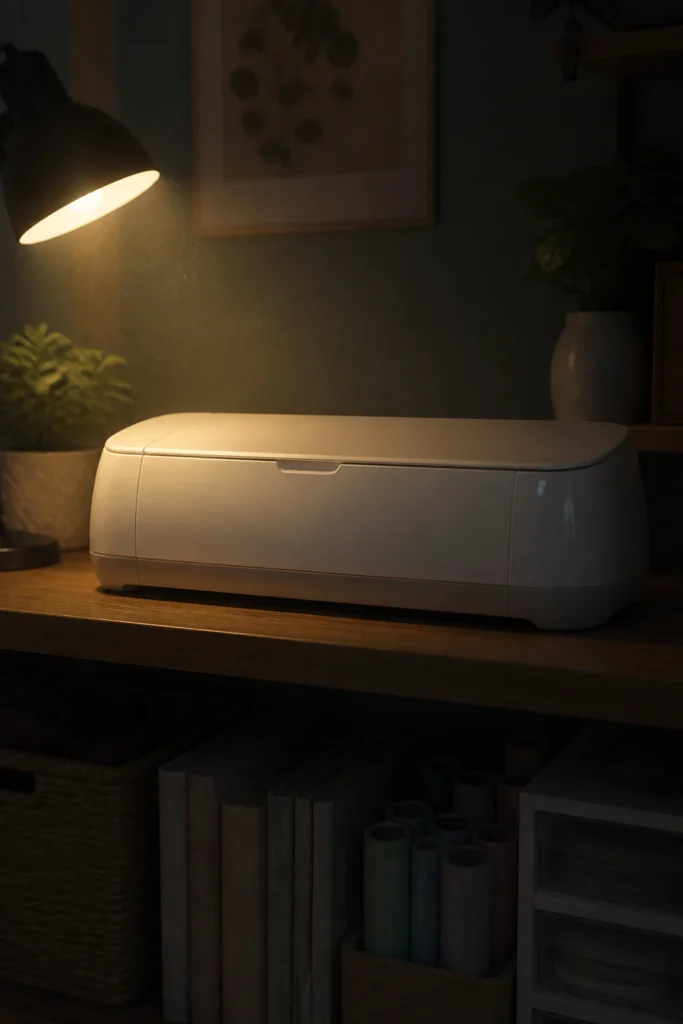
This is where a lot of new sellers overspend or underspend, so let’s simplify it.
If you’re just testing the waters — making a small batch of products to see if there’s demand before committing — a smaller, more affordable Cricut is the smarter starting point. It keeps your upfront investment low while still giving you the real cutting speed and precision that makes the time-savings math work. This is the right call if you’re not yet sure vinyl and paper crafts are your long-term business.
If you’re already committed to selling — you know you want to make shirts, tumblers, or labels as an ongoing product line — it makes more sense to start with a machine built for volume and versatility from day one. It handles thicker materials, cuts faster, and won’t leave you needing to upgrade three months in once orders start picking up. Buying the “starter” version and immediately outgrowing it is one of the most common regret-purchases new sellers mention.
If you’re planning to layer apparel designs, work with thicker materials like leather or chipboard, or eventually batch-produce larger orders, it’s worth going straight for the higher-capacity model rather than upgrading twice. The cost difference upfront is usually smaller than the cost of buying two machines.
The short version: match the machine to where your business is actually headed in the next 6-12 months, not just where it is today. Buying too small means an expensive upgrade later; buying too big for a business you’re not sure you’ll stick with means tying up money you might need elsewhere.
The Bottom Line
A Cricut isn’t a magic shortcut to a profitable craft business, and it’s not a waste of money either — it’s a tool that pays for itself specifically when your product line involves repeatable cutting work. If that’s your business, the time you get back isn’t just convenience; it’s the difference between a hobby that caps out at a few orders a week and a shop that can actually scale.
If you’ve decided cutting is eating too much of your week, the next step is simply matching the right machine to your current stage — starting small if you’re testing an idea, or going bigger if you’re ready to commit to volume.