Thinking about a Cricut but not sure what all the fuss is about? Let’s cut straight to the point: a Cricut is an electronic die-cutting machine that turns your designs into physical cuts with the help of a computer, tablet, or phone. It’s not just one gadget; it’s a family of machines with tons of possibilities. FYI, you’ll hear “Cricut” and “Cry-cut” tossed around—ignore the hype, the Cricut name is the real deal.
Ready to dive in? Let’s break down what makes Cricut tick, what you can create, and how to decide which model might be your perfect match. No boring tech speak—just practical, approachable guidance for beginners and curious makers alike.
What Exactly Is a Cricut?
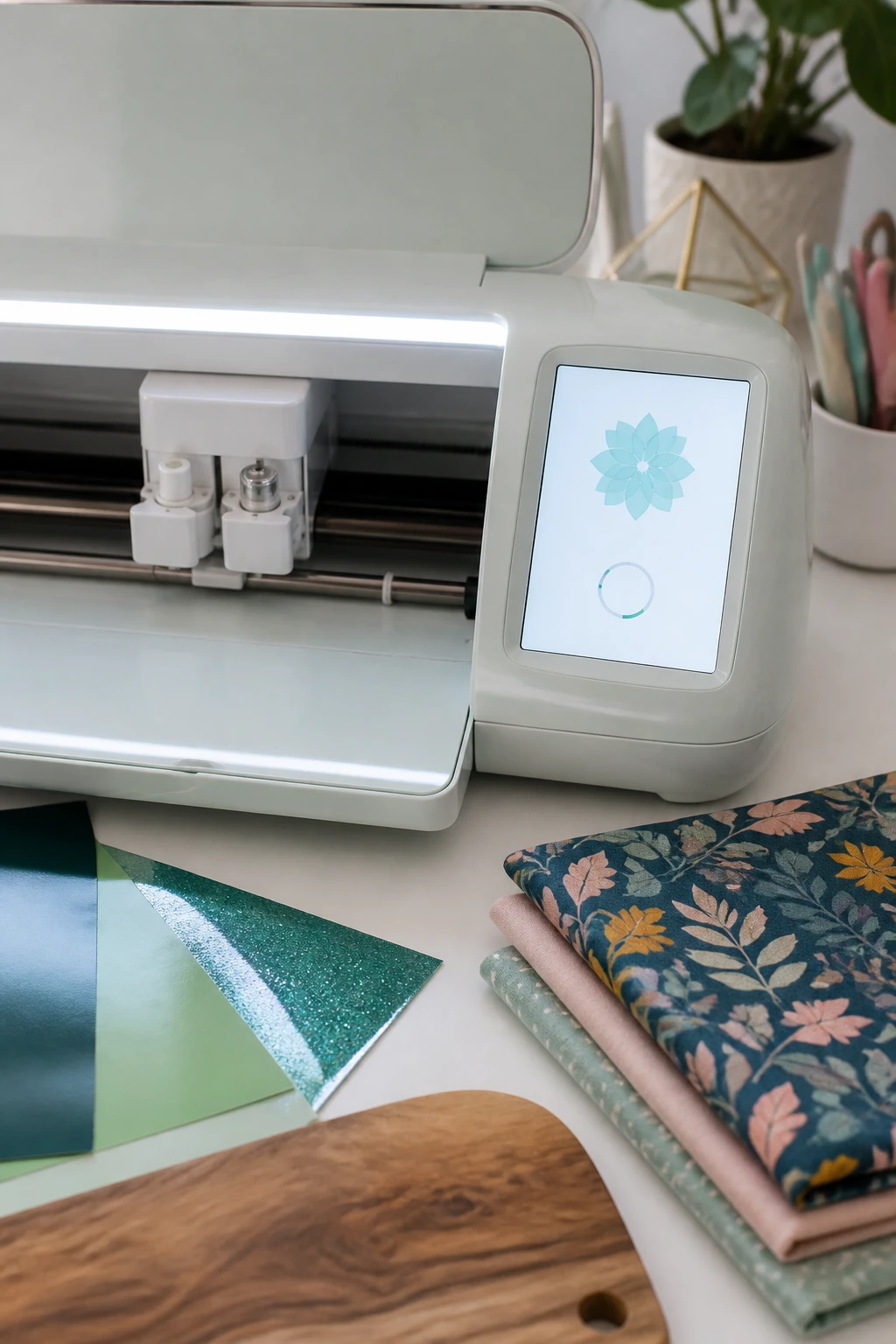
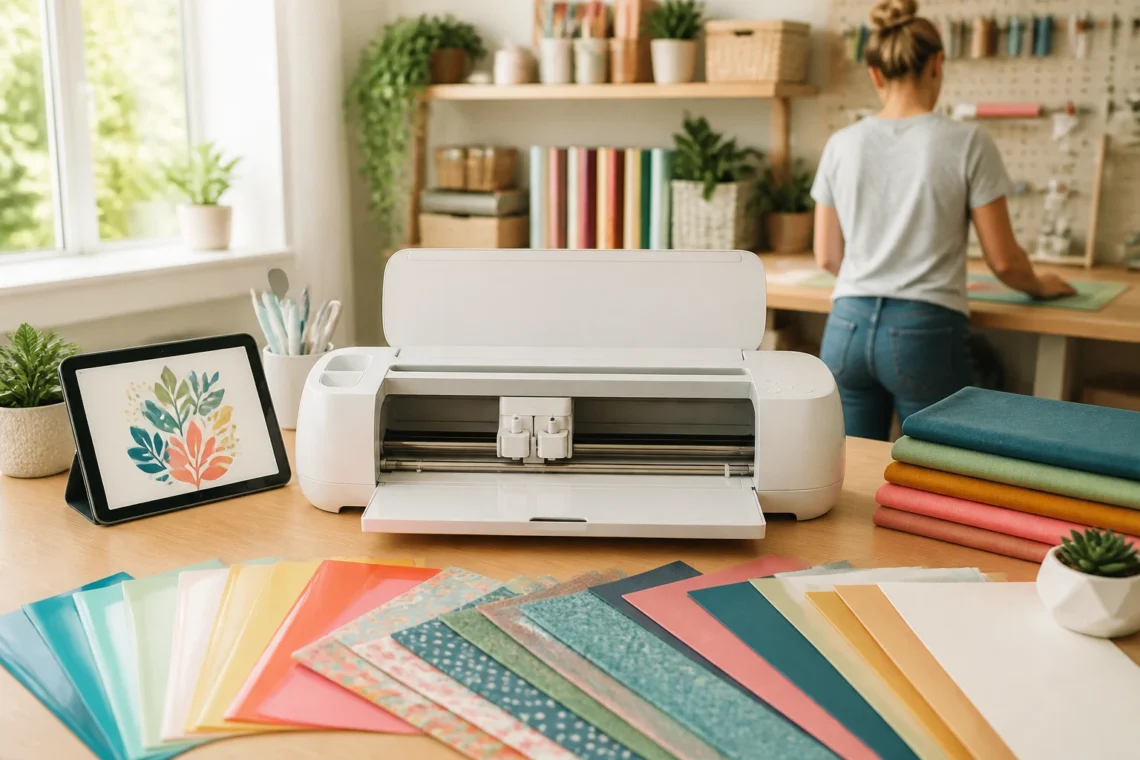
A Cricut is essentially an electronic die-cutting machine. You feed it material—vinyl, fabric, paper, leatherette, wood, or even glass—and it follows a design you load from your device. The machine then cuts, writes, or scores the material and hands you a ready-to-use piece. It’s super user-friendly, thanks to companion apps and software that guide you through the process. So yes, you tell the Cricut what to cut, and it does the heavy lifting.
In practice, there isn’t just one Cricut model. The lineup includes the Explore Air 2, the Maker, and the newer Cricut Joy, among others. Each brings its own strengths, but they share the core ability: convert digital designs into tangible crafts with minimal mess and maximum wow factor.
Materials You Can Cut or Craft With
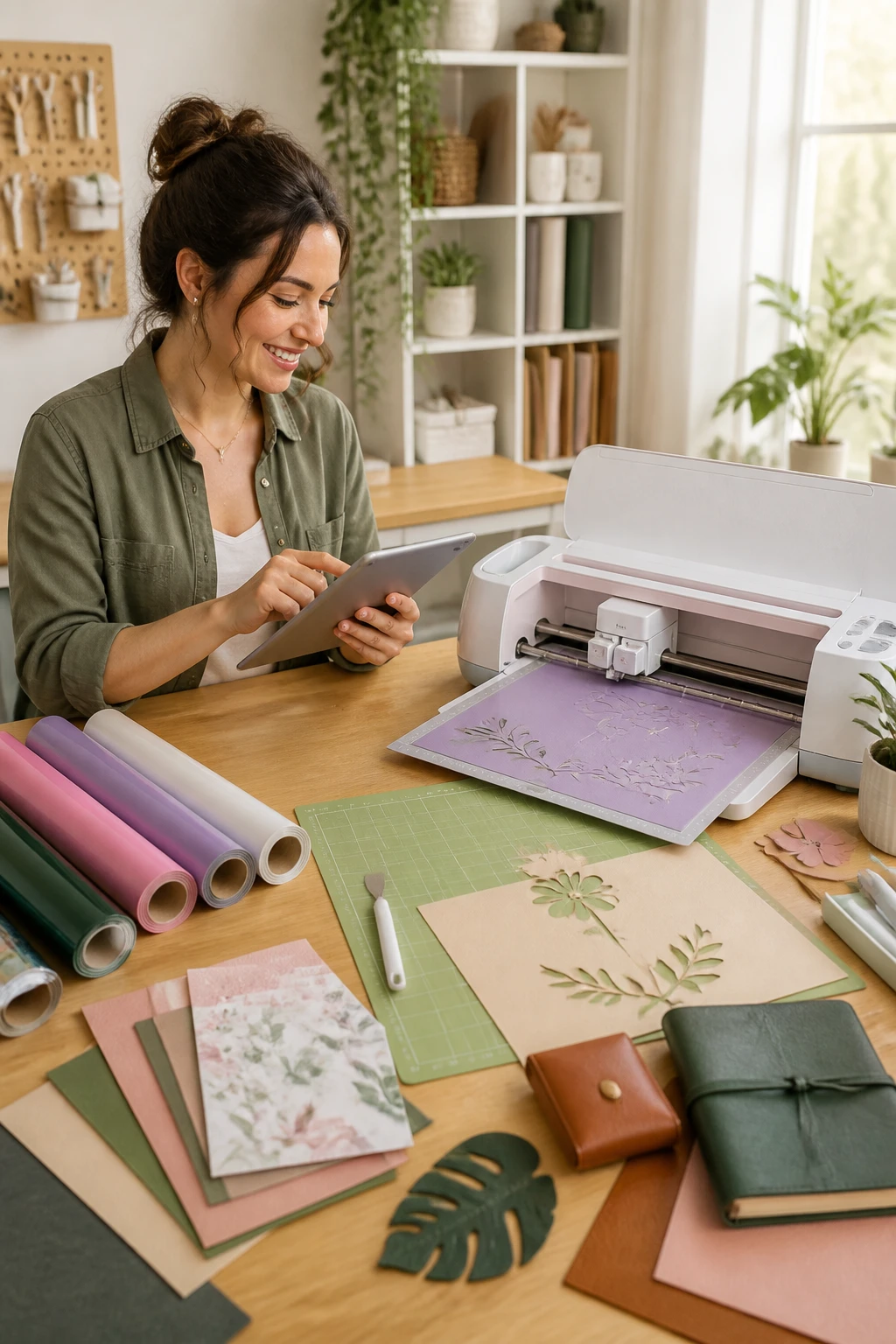
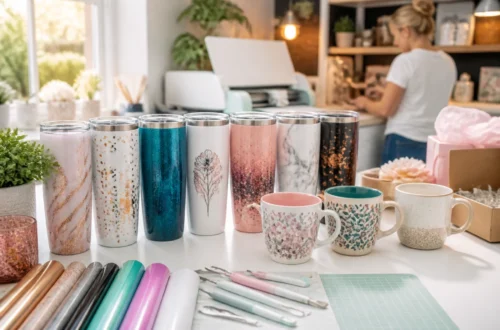
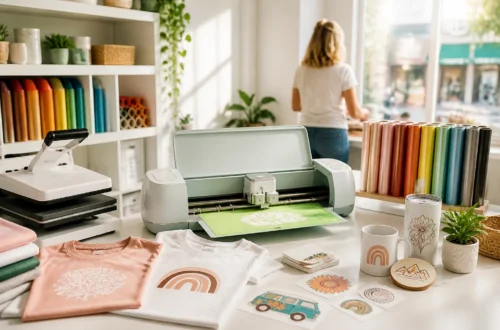
One of Cricut’s big selling points is material versatility. Here’s a quick tour of common options:
- Adhesive vinyl for decals, cup labels, car graphics, and decorative pieces.
- Heat transfer vinyl (HTV) for shirts, bags, and fabrics that need heat to set.
- Foil accents and silvery embellishments for a little bling on cards and projects.
- Paper and cardstock for scrapbook pages, cards, and paper crafts.
- Stencils for painting signs, glass etching, or wood projects.
- Fabric and leatherette for sewing projects, hair accessories, or in-the-hoop designs.
- Wood and acrylic for more durable displays and decor pieces (thicker materials may need tweaks).
Size isn’t everything, either. Cricut’s desktop machines are built to handle a lot, but you adapt their use to the material at hand. Start with the basics, and you’ll find you can push into larger, bolder projects as you gain confidence.
Why People Love Having a Cricut
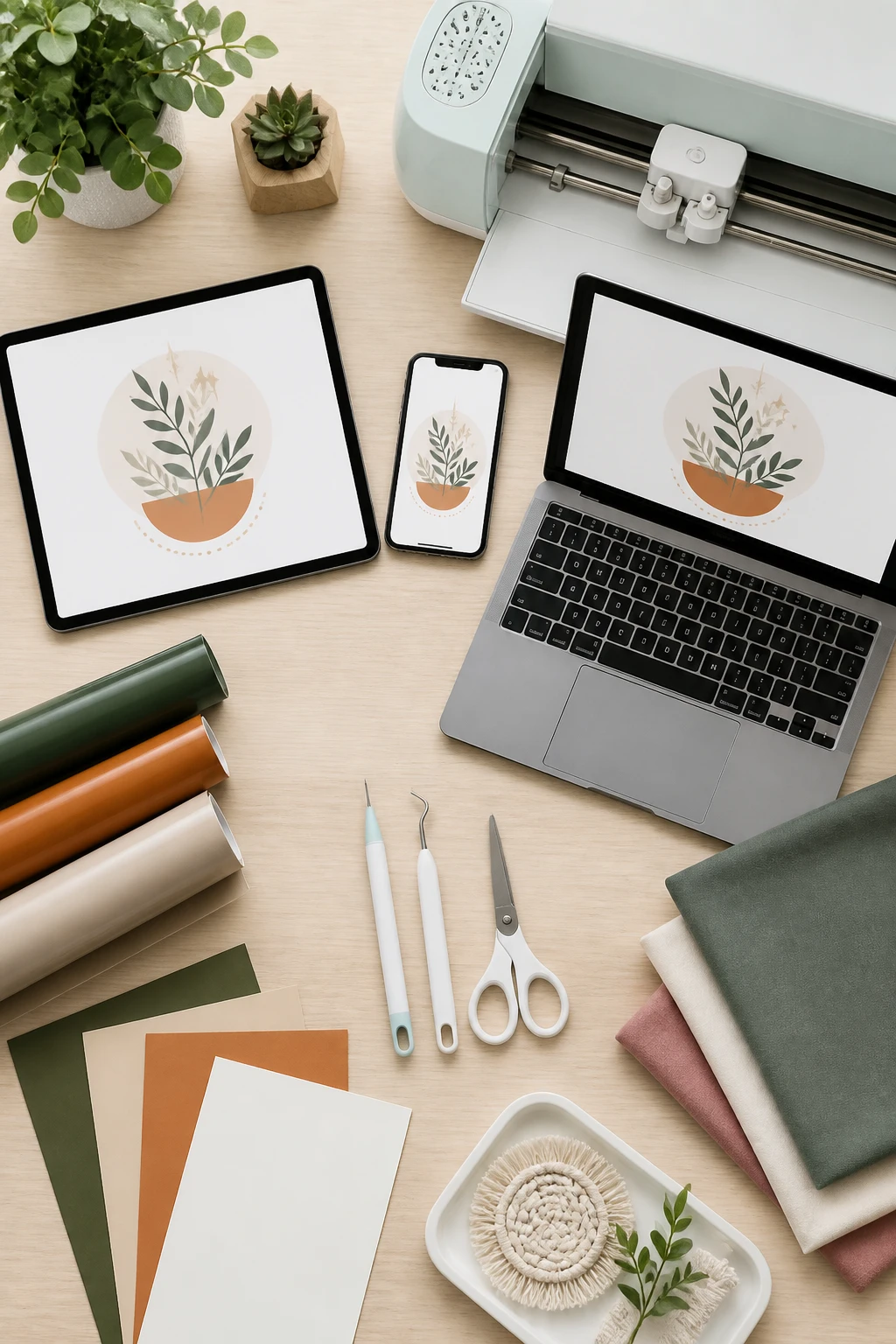
People are obsessed for a mix of practical and playful reasons. Here’s the short version:
- Personalization galore. Think custom gifts, wedding decor, or party favors that look professionally made but feel handmade.
- Home decor upgrades. Create unique signs, wall art, and seasonal accents that truly reflect your style.
- Gifts that wow. When you can personalize something with a name or a quirky quote, you’re basically a crafting wizard.
- Business potential (for when you’re ready). A Cricut can help you explore small business ideas by producing samples or custom items for clients.
And yes, you can get started with simple methods first. Even HTV can be pressed with a household iron if you’re not ready to invest in a heat press yet. The learning curve isn’t steep, especially once you find a few starter projects you love.
Models at a Glance: Explore Air 2, Maker, and Joy
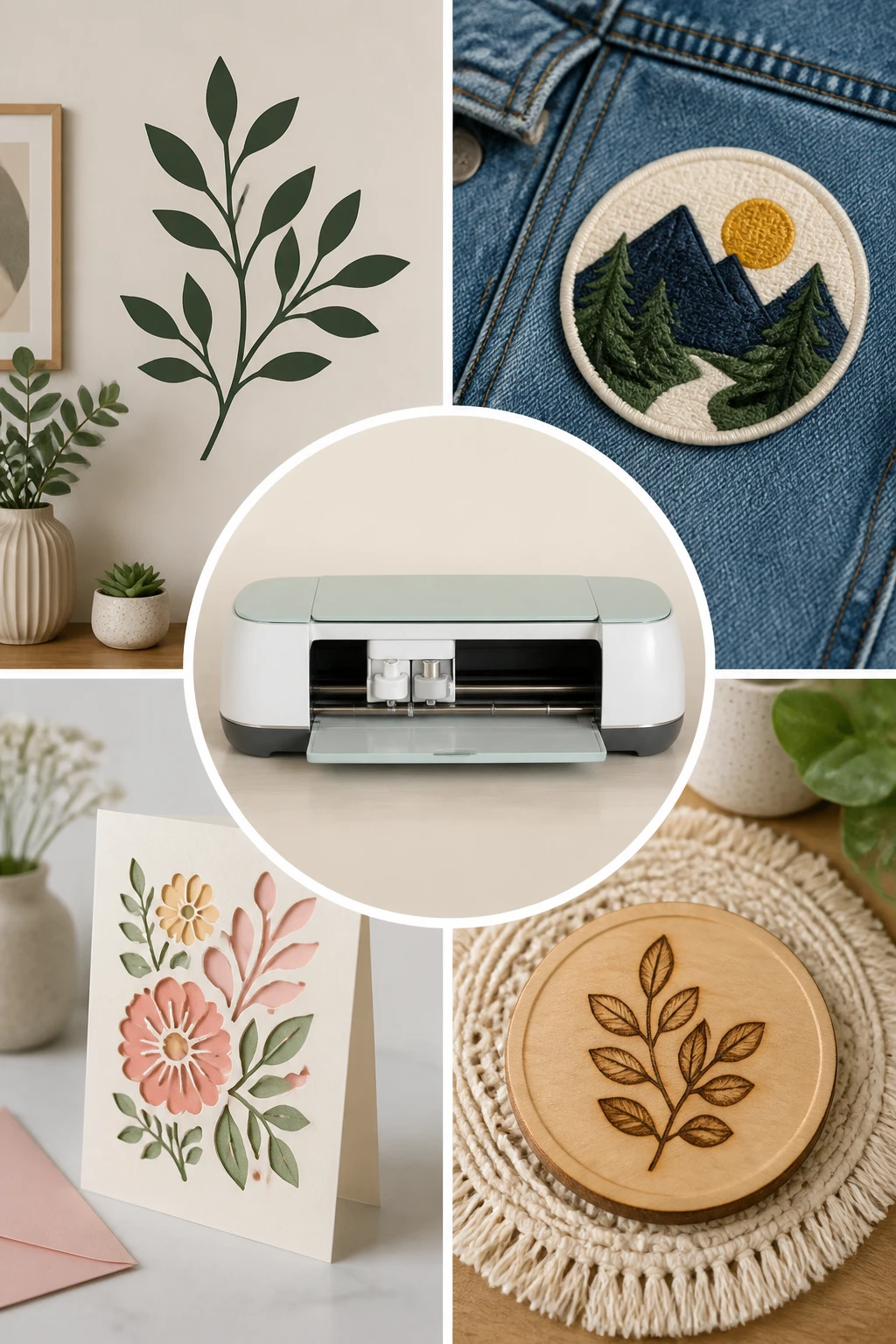
Explore Air 2
Designed for versatility, the Explore Air 2 handles a wide range of materials and project types. It’s a solid all-arounder that’s approachable for beginners yet capable enough to grow with you as you learn more advanced techniques.
Maker
The Maker leans into bigger, more robust projects and heavier materials. It’s built for folks who want to push boundaries with fabrics, woods, and more ambitious designs. If you’re dreaming of wall art or durable home decor, this is a good match.
Cricut Joy
Joy is the compact, go-everywhere option. It’s perfect for quick, on-the-go projects, labels, and small decor ideas. If you’re tight on space or just want something nimble to start with, Joy fits the bill nicely.
Getting Started: What You Need
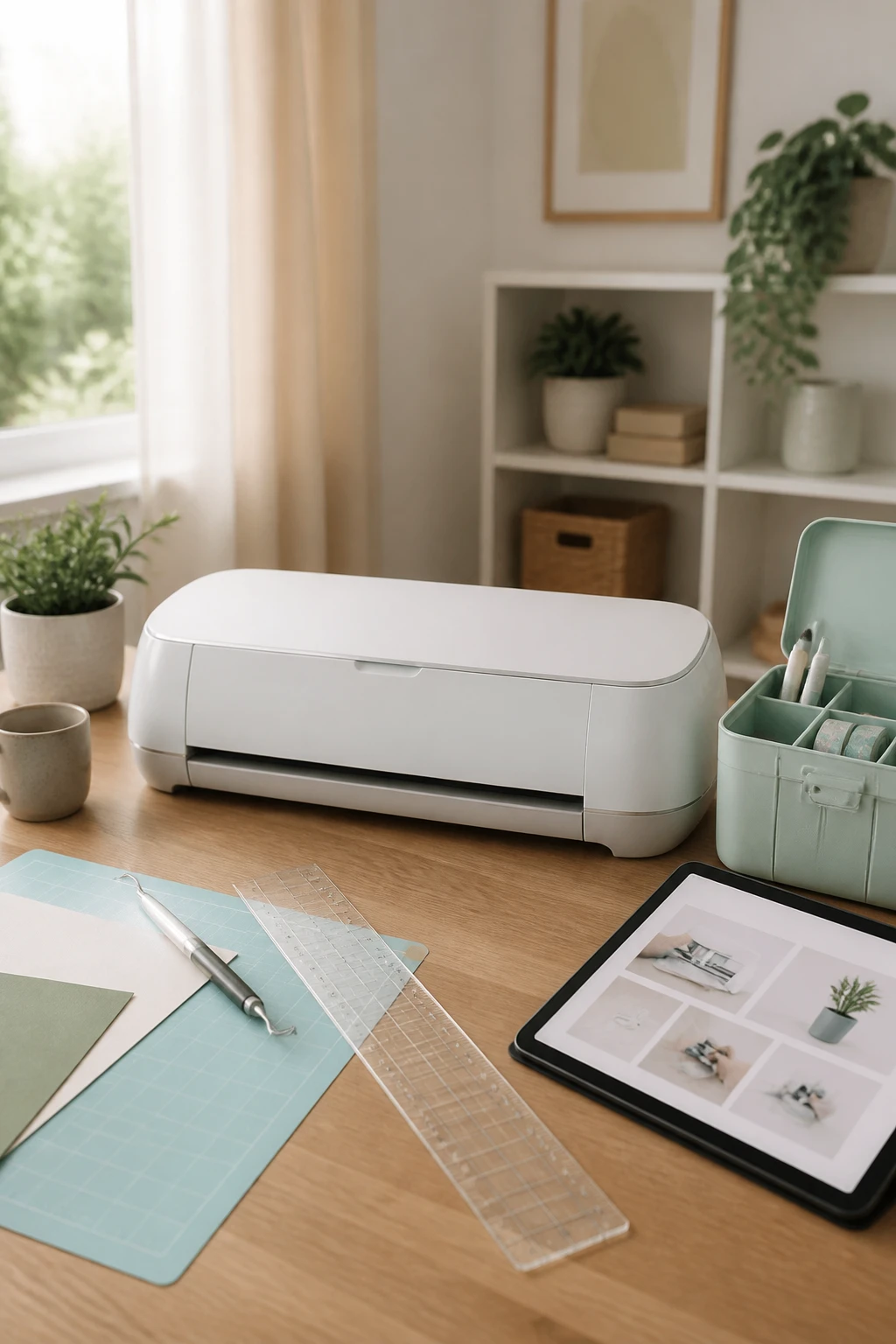
Starting with Cricut doesn’t require a ton of gear, but you do need a few essentials:
- A Cricut machine (your choice among the models).
- A computer, tablet, or smartphone with the Cricut Design Space software.
- Materials to cut (vinyl, HTV, paper, fabric, etc.).
- Basic tools like a weeding tool, a scraper, and transfer tape for vinyl projects.
And don’t stress about the learning curve. Once you master cutting one material, you’ll begin to see how to adjust for others. It’s a “learn the process once, then cut all the things” situation.
Learning the Ropes: Design Space and Workflow
Design Space is Cricut’s companion software that helps you bring your ideas to life. You upload or choose designs, tweak them, and tell the machine what to cut, paste, or write. A few tips to keep in mind:
- Start with a ready-made file from the Design Bundles library if you’re feeling overwhelmed. It cuts down the “where do I begin?” moment.
- Import, set your cut settings, and let the machine do the rest. The right settings matter, but you’ll learn them quickly with a few tests.
- Practice makes perfect. After you cut a few shapes, you’ll naturally figure out how different materials behave.
Pro tip: seek local classes if you can. Some stores and resellers offer sessions that cover basics, cutting tips, and project ideas. It’s way easier to learn with a friend or mentor who can answer questions on the spot.
Where to Buy and How to Learn More
You can grab a Cricut at local craft stores, big retailers, or through resellers and online marketplaces. Stock can fluctuate—Christmas rush, anyone?—so you might need to wait for restocks. If you have a local vinyl shop or craft store, see if they offer in-person classes. It’s a fantastic way to pick up tips and meet fellow crafters.
For ongoing inspiration and resources, consider Design Bundles. They offer design files, both free and paid, plus tutorials that demystify the setup process. The idea is simple: you import a file, pick your cut settings, and the machine handles the rest. It’s a game changer for beginners who want a quick win.
Should a Cricut Pay for Itself?
Short answer: yes, usually. Not just in gifts and decor, but in the joy of creating and personalizing every project. Some folks even turn it into a side business, though a beginner should focus on learning first. The costs add up, but so do the “wow” moments when you gift something you made yourself.
And FYI, it can be addictive—in a good way. You’ll see that your first project pays for itself through the glow of someone’s smile, then you’ll be hooked on the next idea, and the next, and the next.
Common Questions and Quick Answers
What materials can I cut with a Cricut?
You can cut vinyl, heat transfer vinyl, paper, cardstock, fabric, leatherette, and even some thicker materials like wood or acrylic with the right settings. Start simple and expand as you gain confidence.
Is a Cricut hard to learn?
Not really. Start with easy projects and a few ready-made files. Once you cut one material, you’ll discover the process applies to others with minor tweaks in settings.
Can I use a household iron instead of a heat press?
Yes, for many HTV projects you can start with a household iron. It’s a great way to test the waters before investing in specialty equipment.
Where should I buy a Cricut?
You’ll find Cricuts at local craft stores, big retailers, and through resellers. Stock fluctuates, so keep an eye out for sales and restocks, especially around holidays.
Do I need to learn from scratch or can I use ready-made designs?
Both work. Ready-made designs from Design Bundles or similar libraries give you a fast start, while learning the fundamentals helps you grow into more complex projects.
Conclusion: Should You Jump In?
If you’ve ever wanted to personalize gifts, elevate home decor, or just have a reliable creative outlet, a Cricut is worth considering. It’s versatile, beginner-friendly, and capable of growing with you as you experiment with materials and techniques. IMO, the payoff isn’t just in the projects—it’s in the tiny, satisfying moments when you say, “I made that.”
So, what’s stopping you? If you’re curious, start with a simple vinyl project or a mini HTV tee. You’ll quickly see why so many crafters fall in love with Cricut—and you might just become the next creator who leaves everyone asking, “How did you make that?”